Homework time, without the fight: meet the Focus Room
MiloMint 1.7 is out on iPhone and Android. The headline feature is a cozy focus timer made for kids, plus a redesigned Home board, a bell that rings on a locked phone, and free printing. Here is what changed and why.
The problem we kept hearing about
“Homework time” is the sentence that starts the evening argument in a lot of homes. The task list is fine. The calendar is fine. What is missing is a way to start: a small, low-pressure ritual that gets a child to sit down for twenty minutes without a parent standing over them. Adults solve this with the Pomodoro technique. Kids need the same thing, minus the spreadsheet energy.
A room, a timer, and a buddy who waits with you
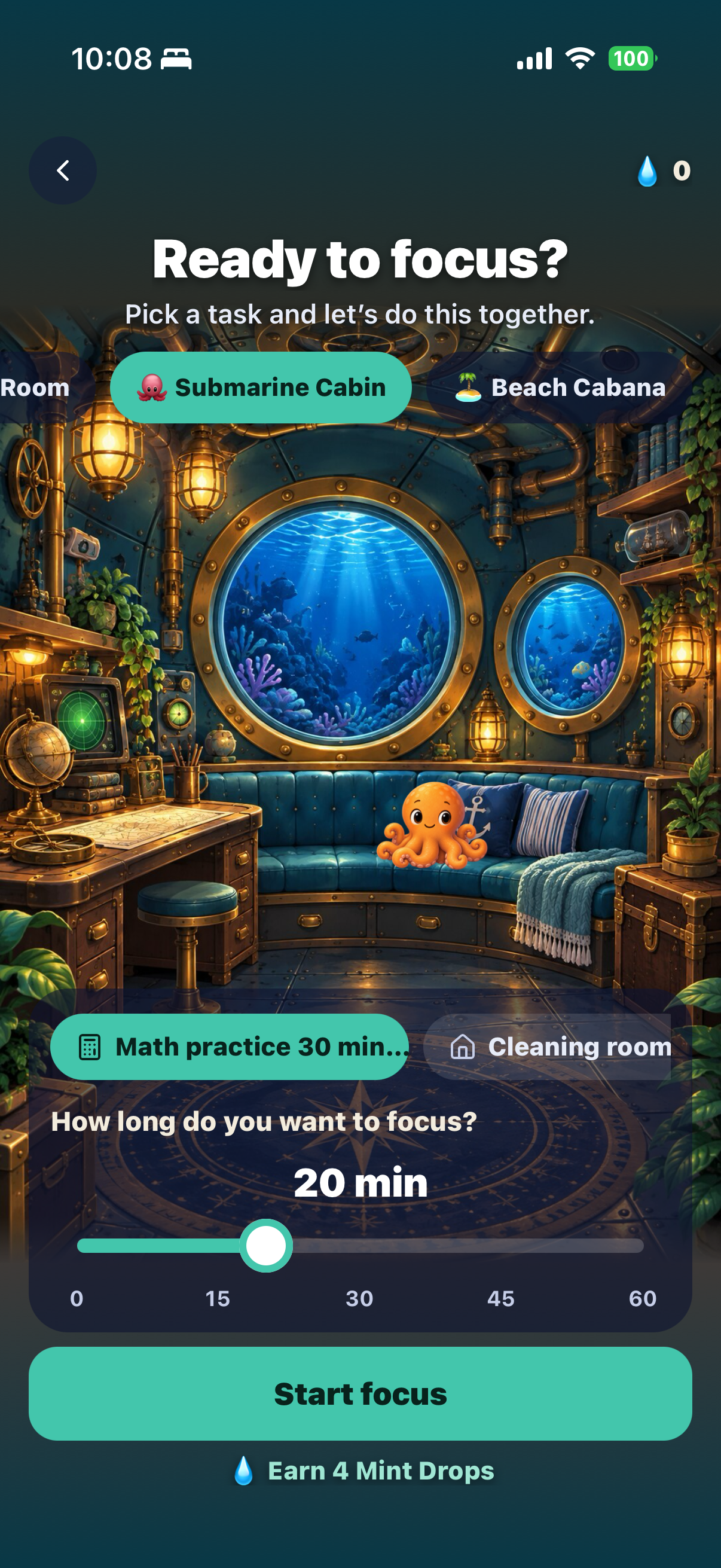
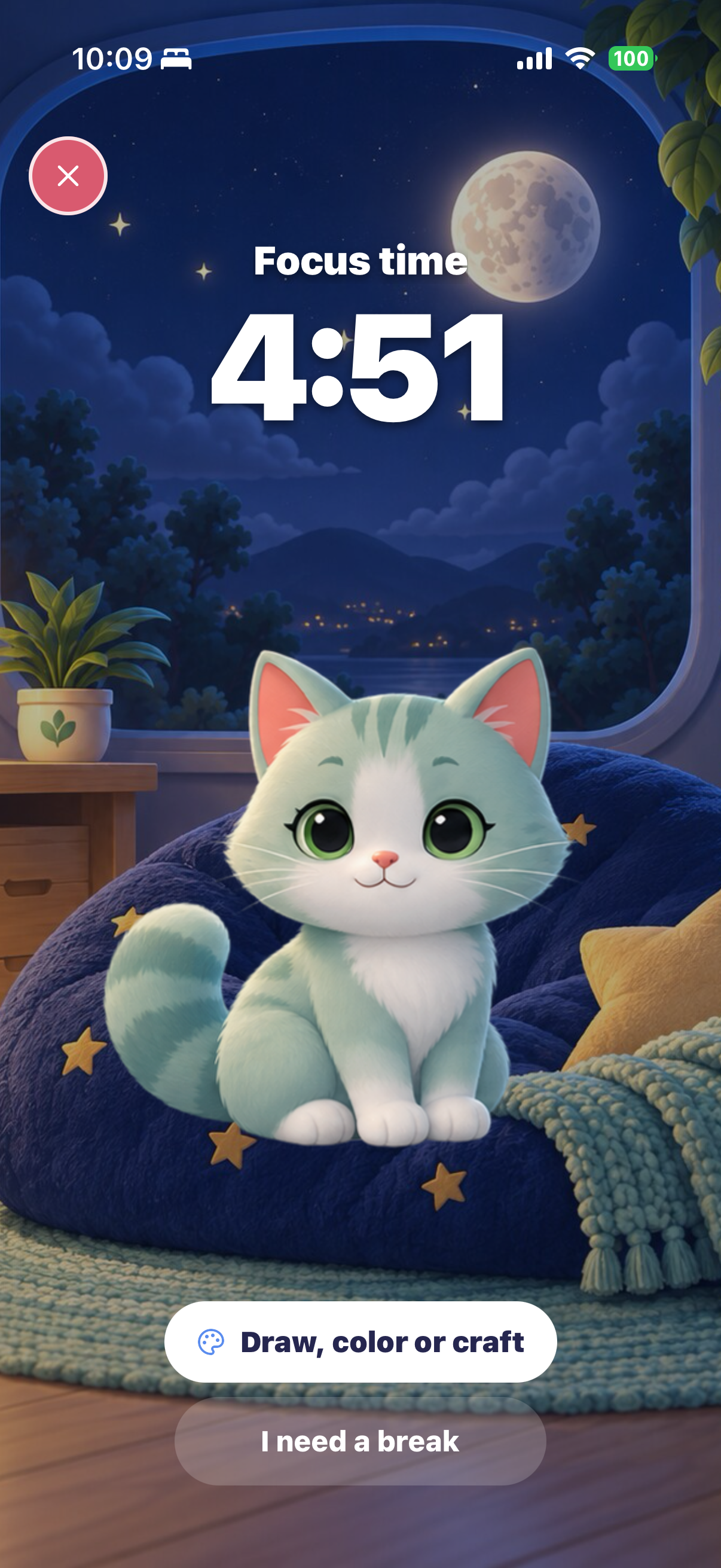
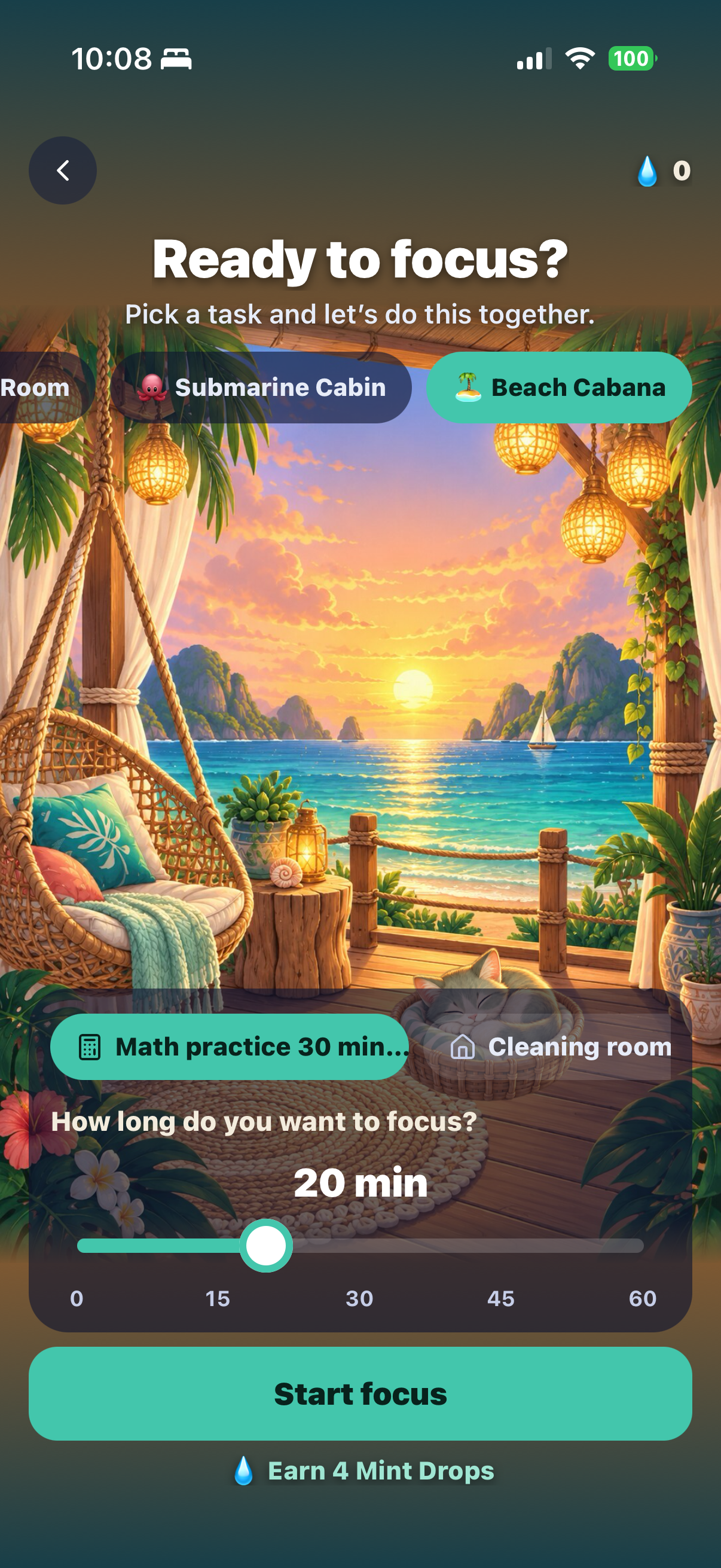
Open the Focus Room from the Home board or from a kid’s profile. Your child picks a room: the Moonlight Room with a mint-gray cat, the Submarine Cabin with a little octopus, the Beach Cabana with a sleeping cat, a Winter Cabin by the stove, or the Study Nook. They pick the task they are working on, slide the timer to anywhere between 5 and 60 minutes, and tap Start.
During the session the room fills the whole screen. The countdown sits at the top, the companion sits in the room and does small, calm things: the cat looks around and blinks, the octopus bobs, the beach cat twitches an ear. There is exactly one other button, I need a break, which pauses the clock without any lecture. The screen stays awake for the whole session, so the room and the timer are always visible.
The bell rings, even on a locked phone
When time is up the app plays a soft two-strike bell and the phone gives a gentle buzz. If the phone is locked or in a backpack, a notification with the same bell tone fires at the exact end time. Nothing needs to be running in the foreground for it to work.
Mint Drops and little treasures
Every finished session earns four Mint Drops, and milestones unlock a small treasure for the room: a moon lamp, a jellyfish lamp, a wind-up submarine, a shell lantern, a pearl chest. Your child taps Add to my room and it appears in its spot with a few sparkles. That is the whole economy. Mint Drops are separate from allowance and points, they are never taken away, and there is nothing to buy. The reward is the room getting cosier.
Parents can use it too
Tap Focus timer on the Home board and choose Just me. There is no task list for adults, just the room, the slider and the bell. It starts in the Study Nook, a fireside desk with a city view. Your drops and unlocks are kept separate from your kids’.
The new Home board
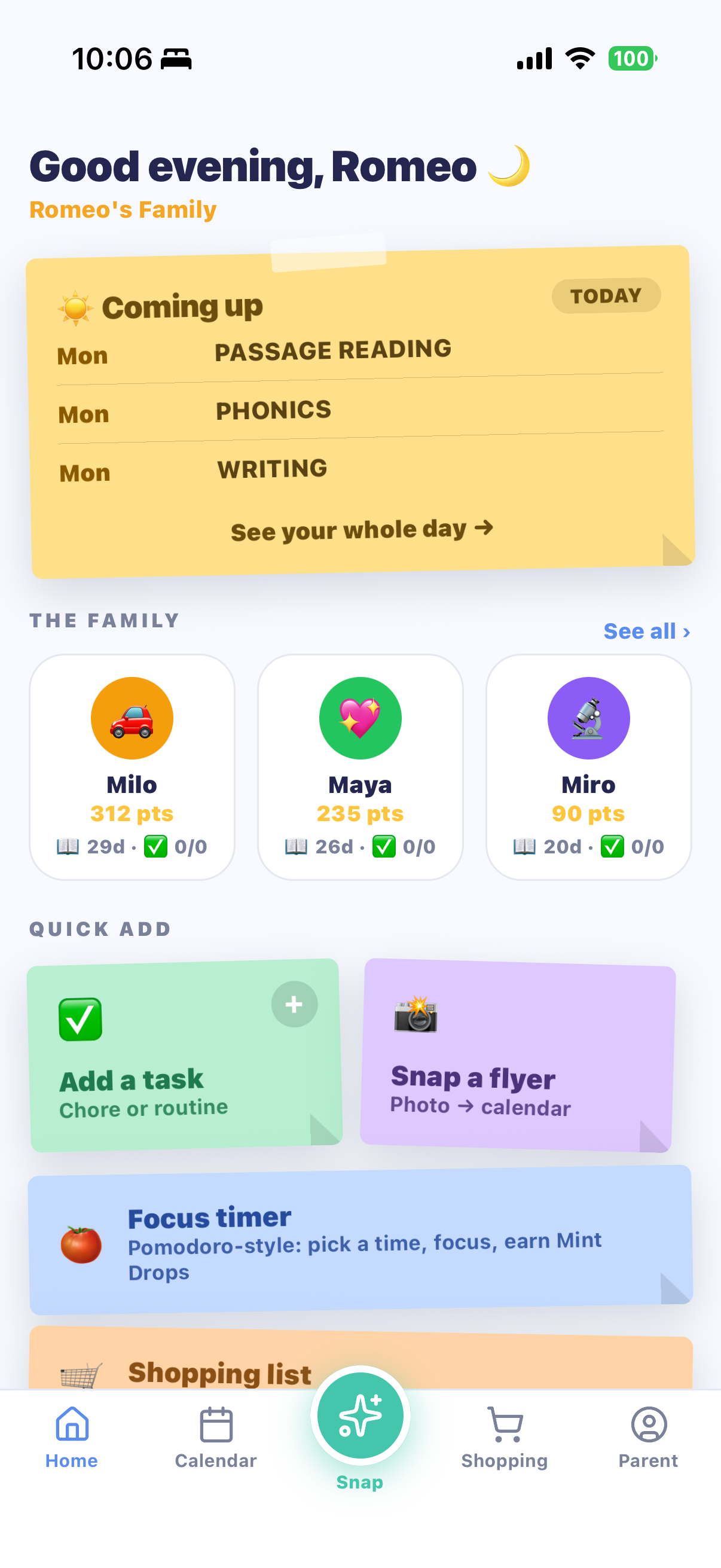
Home was redesigned around sticky notes. The top note shows what is coming up, then every kid at a glance with their points and today’s progress, then quick actions: Add a task, Snap a flyer, the Focus timer and the shopping list. Brand-new families see a short Get Started board instead of a tour, and you can try a 5-minute focus session before creating an account.
Also in 1.7
- Printing is free. Chore charts, reading logs and calendars print or save as a clean PDF in the Classic design at no cost. The themed designs stay in MiloMint Plus.
- Each kid has a colour. The calendar shows who an event belongs to at a glance, and the shopping lists got the same sticky-note look.
- Sign-up fixes. If you closed the app before entering your verification code, the app now takes you back to the code screen instead of a dead end.
What it is not
There are no streaks to lose, no leaderboard between siblings, no ads, and no in-app purchases for kids. A session that ends early is fine; the child just tries again another time. We do not record what a child was working on; the app never sends task text or names anywhere.
Try a 5-minute session tonight
Free on iPhone and Android. Open the app, tap Focus timer, pick a room.
Get MiloMint free on the App Store →Free family calendar, chores & allowance · No ads, ever · Plus adds Snap & printing for $29.99/yr
Questions parents ask
Is the Focus Room a Pomodoro timer?
It works the same way: pick a length, focus until the bell, take a break if you need one. We kept it simple for kids: one session at a time, 5 to 60 minutes in 5-minute steps, no cycles to configure.
Does it cost anything?
No. The Focus Room, all five rooms and every collectible are free. There are no ads and nothing for a child to buy.
What are Mint Drops?
A small, playful reward for finishing a focus session. Each session earns 4 Mint Drops, and milestones unlock little treasures for the room. They are separate from allowance and points, and they are never taken away.
Can I use it myself?
Yes. From the Home board, tap Focus timer and choose Just me. Your sessions, drops and room are kept separate from your kids'.
Does the bell ring if the phone is locked?
Yes. When time is up the app plays a bell, and a notification with the same tone fires even if the phone is locked or in a pocket. Sessions can pause for a break, and the timer keeps its place if the app is closed.