How MiloMint works, exactly: from a photo of a school flyer to a chart on your fridge
No marketing gloss — this is the actual flow, screen by screen, of how a family runs a week in MiloMint. Five minutes from a crumpled school flyer to a printed chart the kids run themselves.
Step 1 — Snap the schedule in
Open Snap from the bottom bar and photograph any schedule: a school flyer, a soccer roster, even the school portal on your monitor. MiloMint checks the photo on your phone first — pictures of people are refused before anything uploads, and the photo itself is used once and never stored. Then the AI reads the dates, times, and titles.
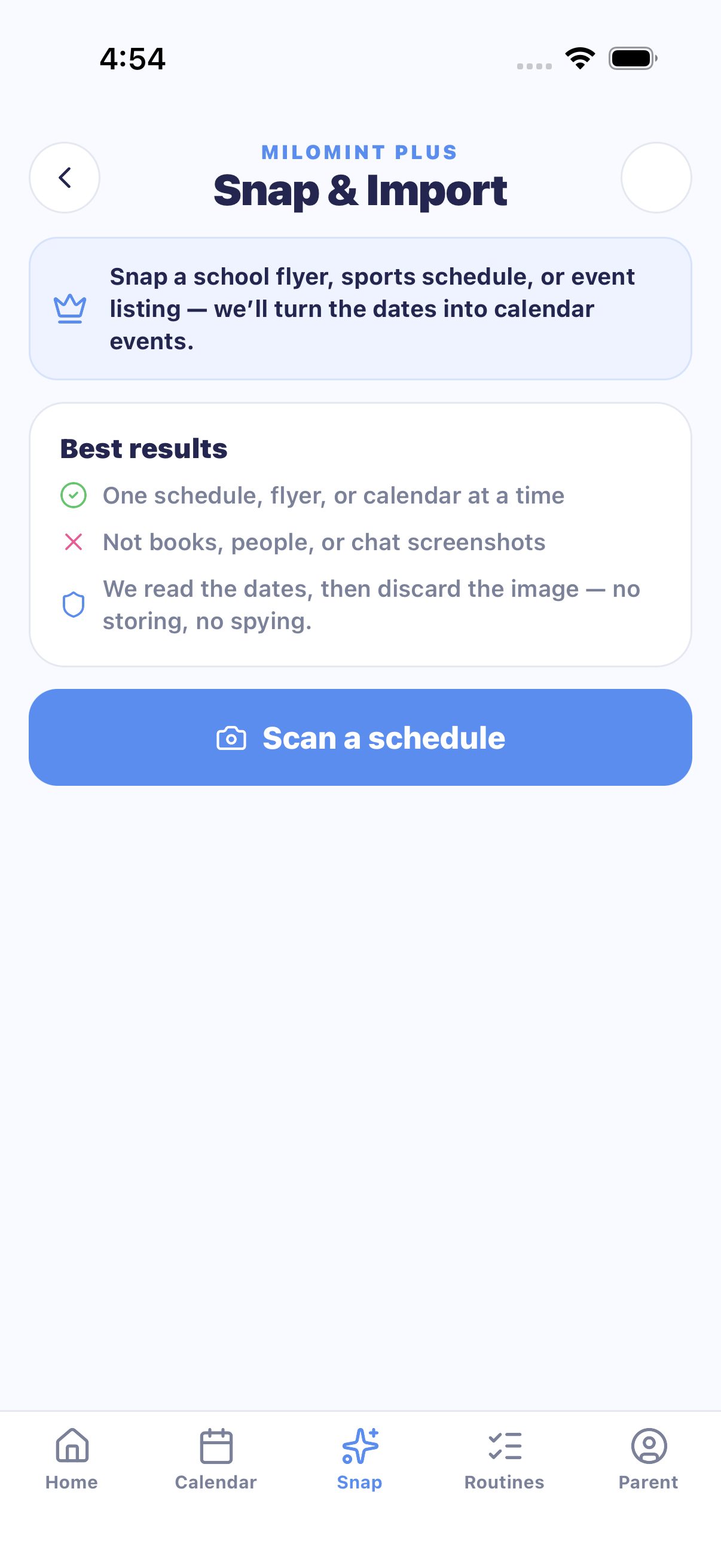
You review everything it found, pick which kid each event belongs to, and tap once. If you re-scan the same flyer next week, MiloMint flags the duplicates so your calendar never double-books. Free families get 2 preview scans; MiloMint Plus includes 15 imports a month.
Step 2 — The calendar fills itself
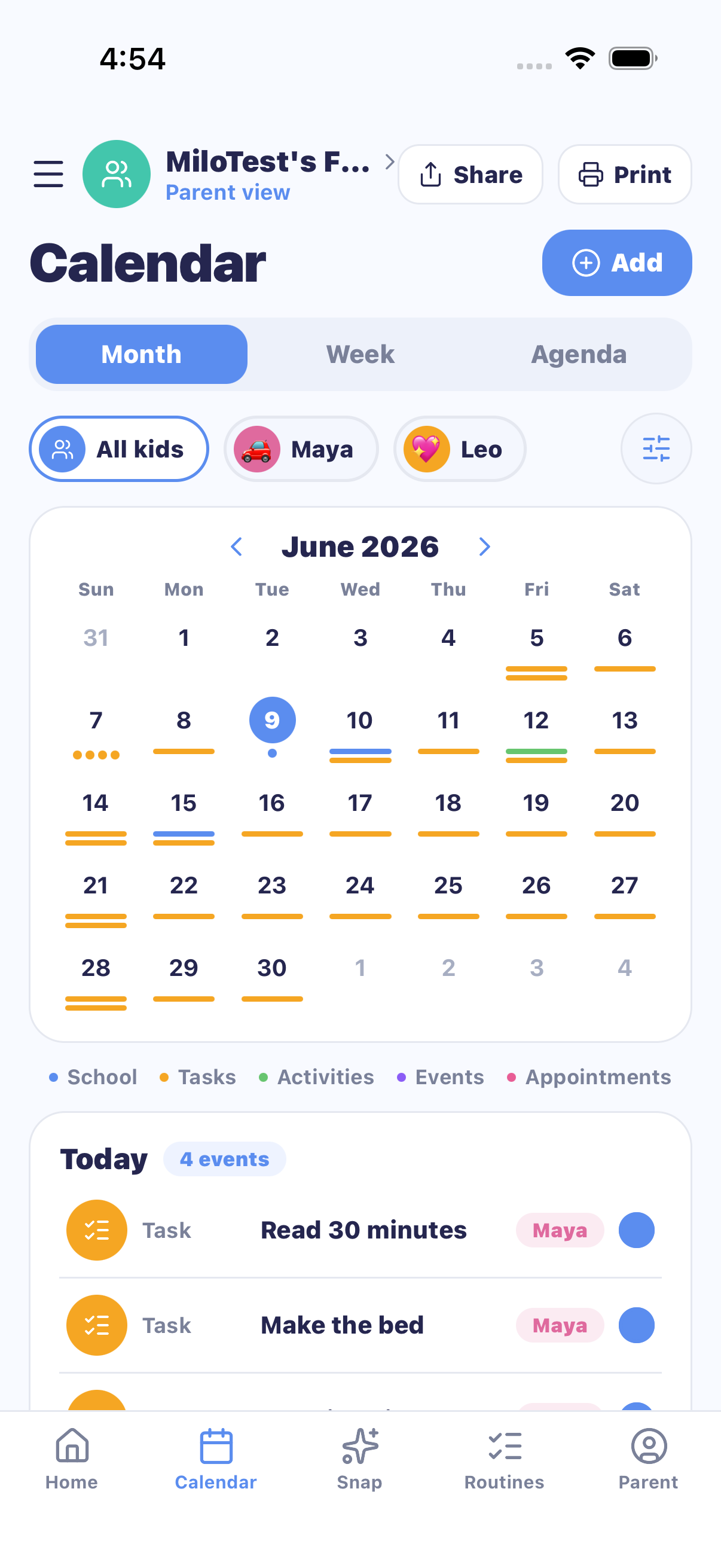
Events land on the family calendar with a color per kid. Month view for planning, week view for the running around, agenda view for "what's actually happening today." Recurring things — Tuesday training, Friday library — repeat by rule and stop at the end of the school year, so September never inherits June's schedule.
Step 3 — Chores and routines run the day
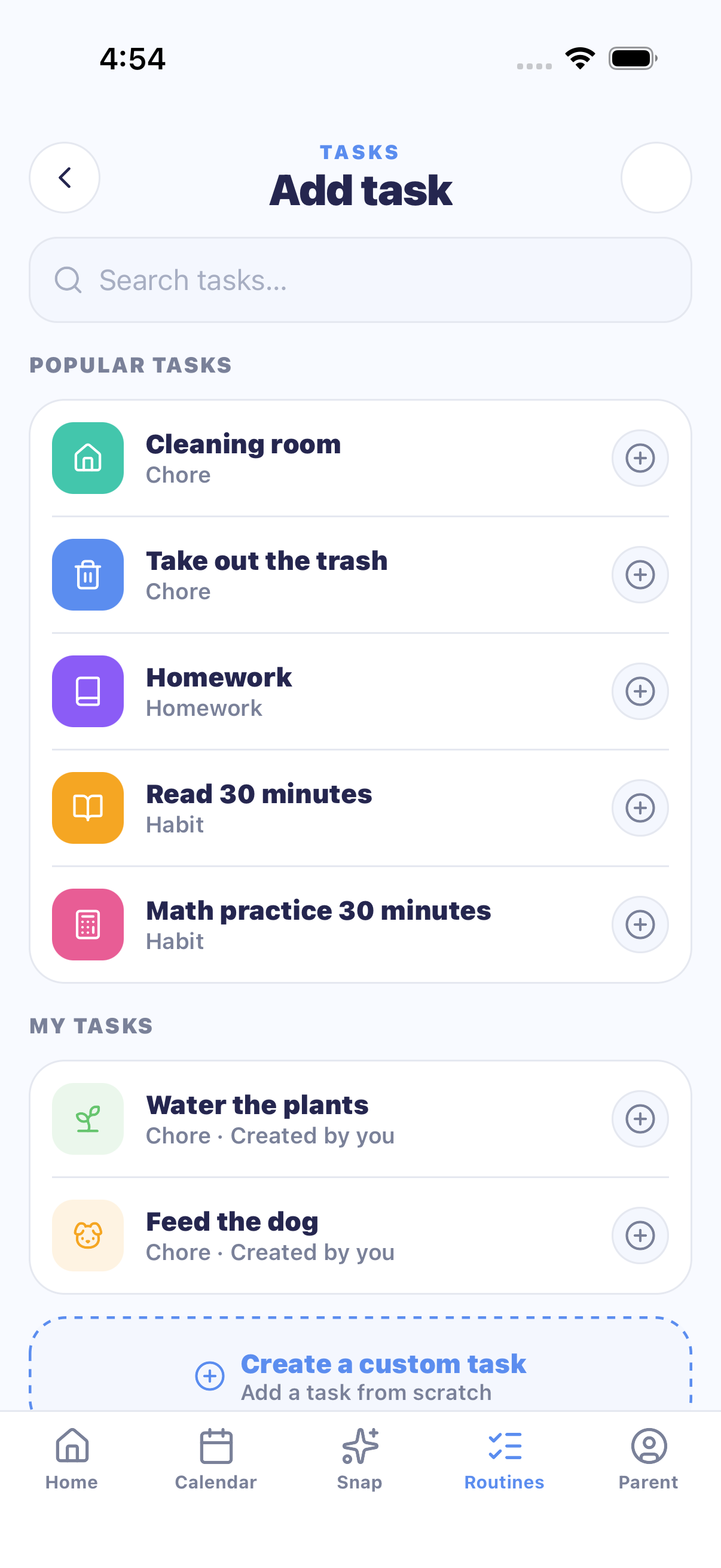
Tasks come in six flavors — chores, homework, routines, school, habits, family — each with a reward in points or money and, optionally, bonus screen-time minutes. Kids check tasks off; you approve (or send back) with one tap from the parent home screen. Recurring routines repeat on the days you pick.
Step 4 — Allowance, the simple way
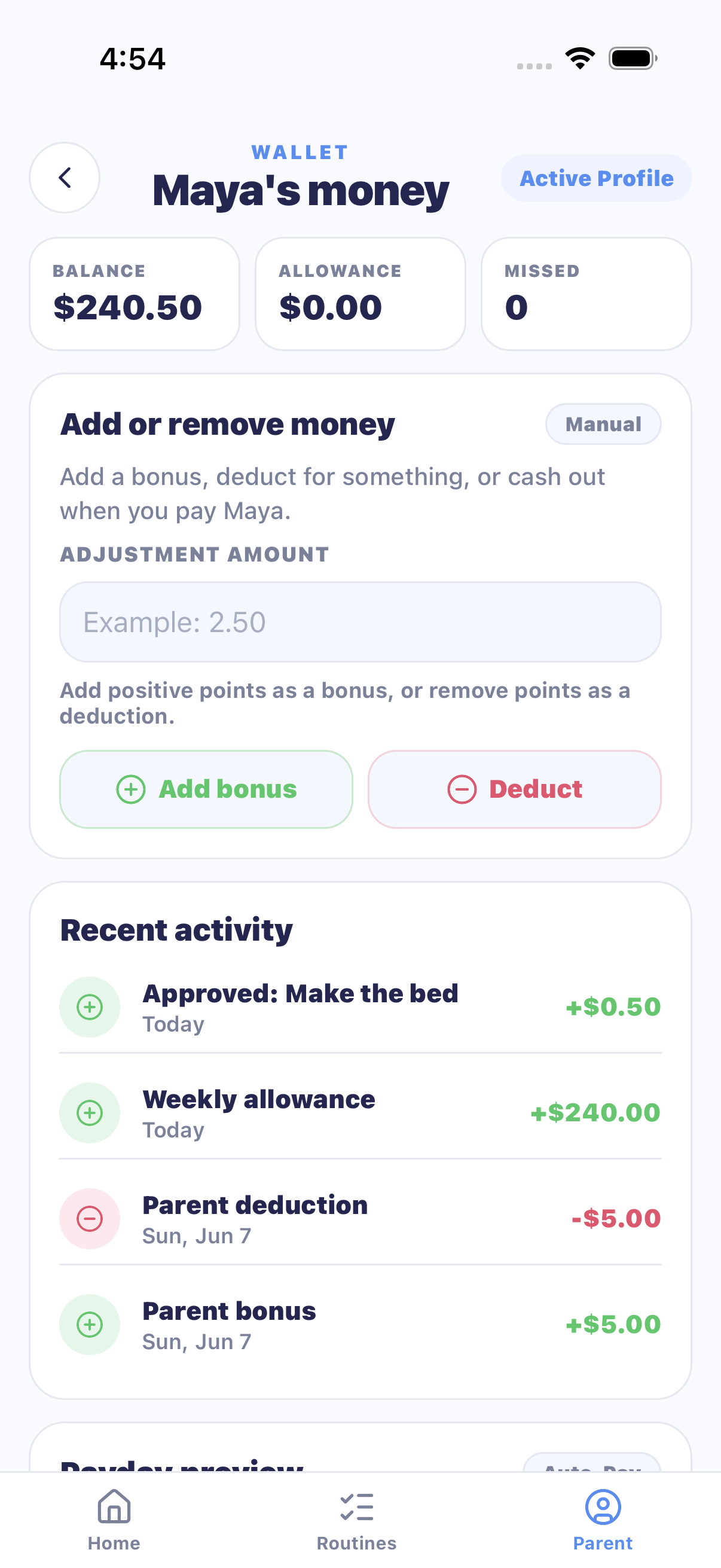
Every approved task adds to the kid's wallet — in real dollars or points, your choice. Reward time automation adds the weekly allowance and deducts missed tasks; the running total shows every earning and spend. There is no real money in the app: you settle up in real life, or keep the whole economy in points.
Step 5 — Screen time becomes the carrot
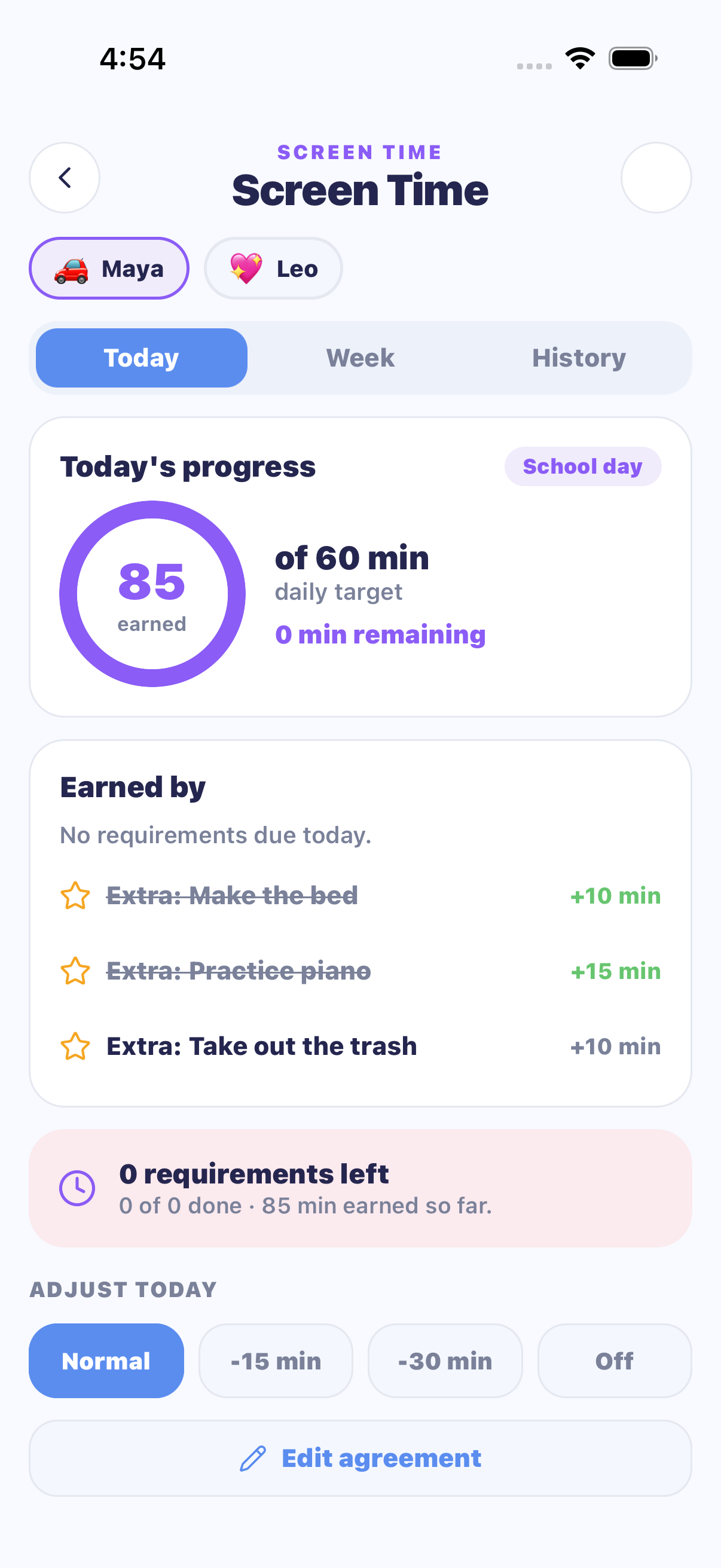
This is the part no other family app has: kids earn their daily screen time by finishing the day's tasks. You set weekday and weekend targets per kid; finishing unlocks the minutes, bonus tasks top them up, and yesterday's skipped chores can lock today until they're cleared. The app stops being the nag — the minutes are.
Step 6 — Kids run their own view
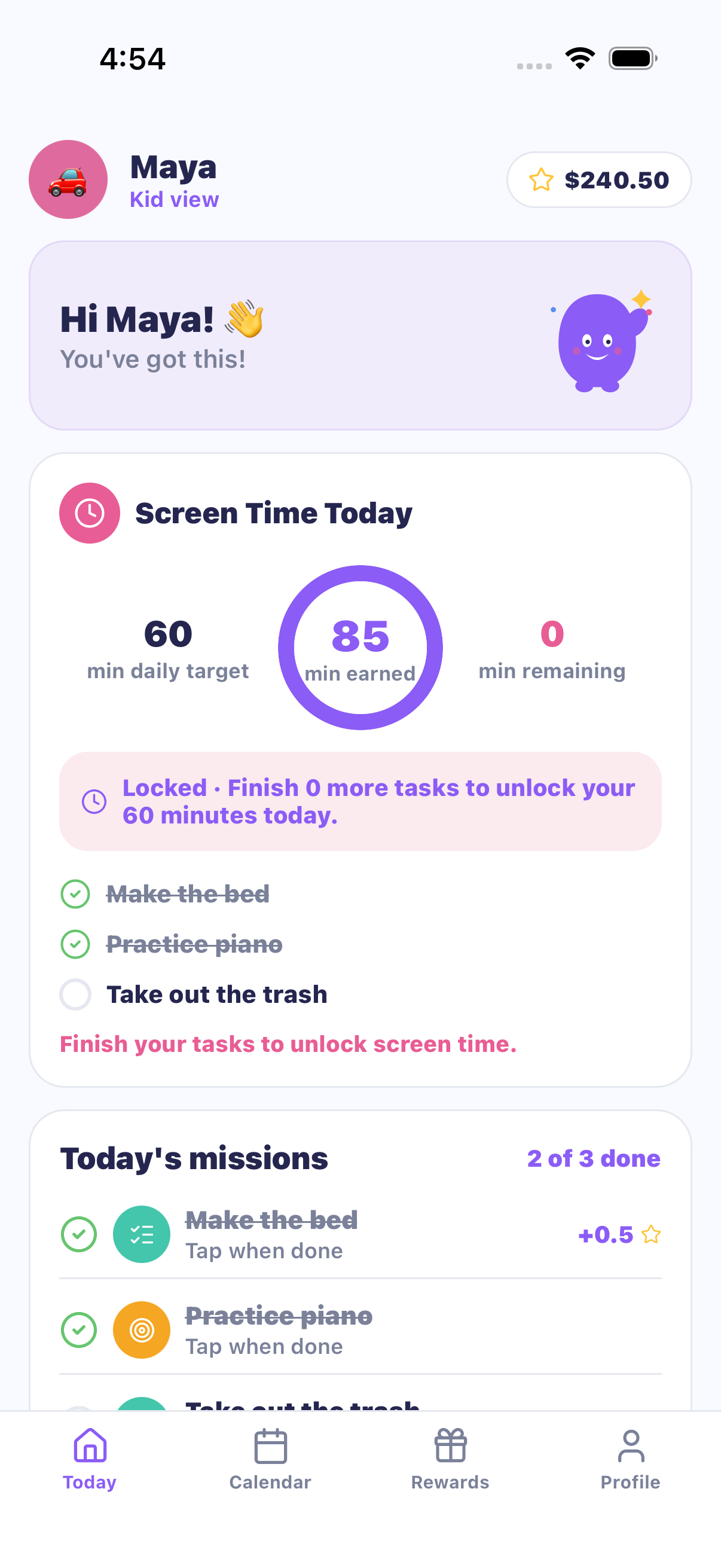
Kids sign in on their own device with a Kid Code + PIN — no email, no phone number, no ads, ever. They see today's plan, tick off tasks, watch their wallet grow, and request rewards from the store you stocked. You approve requests from your side; pending requests hold the points so nobody double-spends.
Step 7 — Print it for the fridge
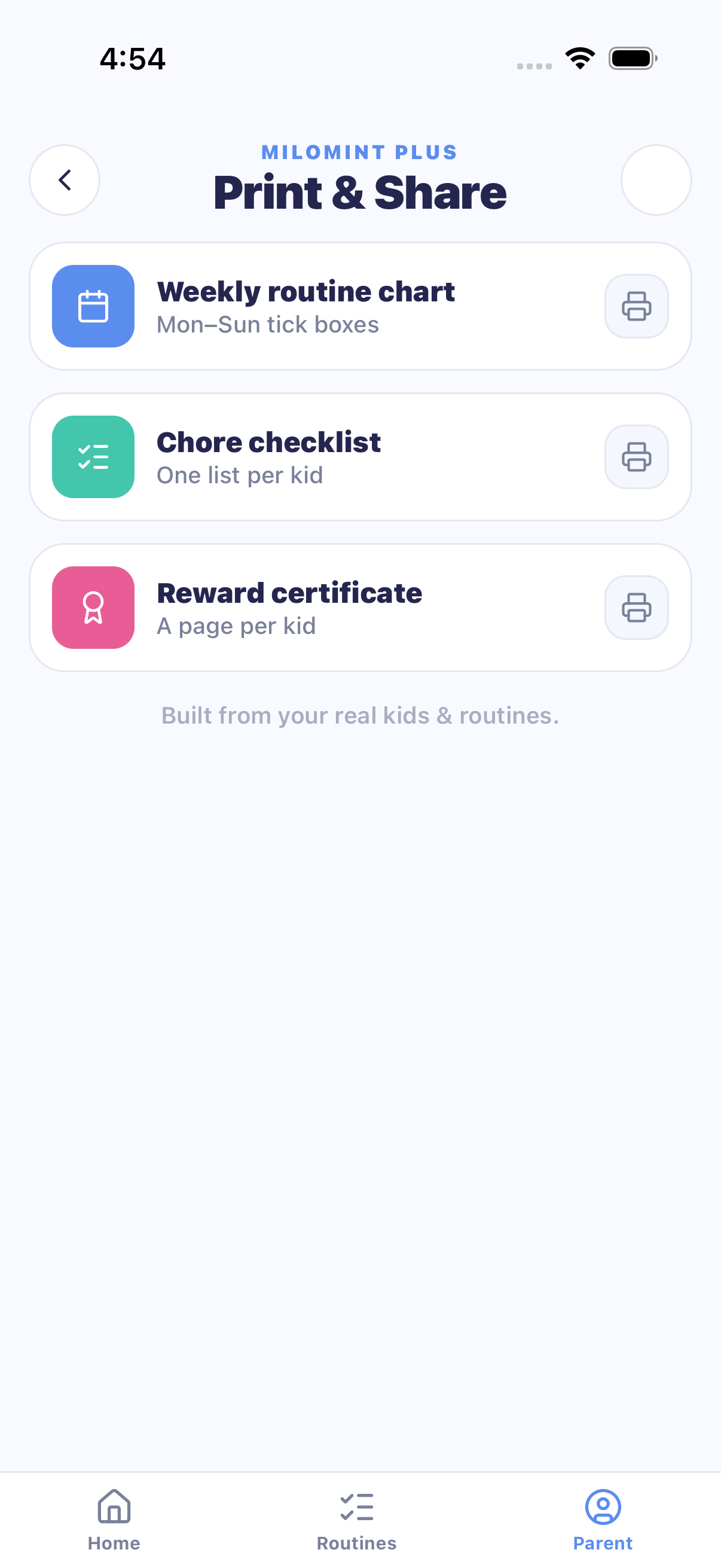
The chart leaves the screen. Weekly routine charts, chore checklists, reward certificates, and the calendar itself print in six themes kids pick — Space, Sunshine, Ocean, Candy, Forest, or Classic — built from your real kids and real routines, sized for the fridge. Share does the same as a PDF, straight to AirDrop, Messages, or Mail.
What it costs
| Plan | Price | What you get |
|---|---|---|
| Free | $0, no ads | Calendar, chores & routines, allowance ($ or points), rewards store, earned screen time, kid logins, co-parent — plus 2 Snap previews |
| MiloMint Plus | $3.99/mo · $29.99/yr | Snap & Import (15 scans/month) + unlimited clean printing in all themes |
Frequently asked questions
How does MiloMint turn a photo into calendar events?
You photograph a schedule (a school flyer, sports roster, or class timetable). MiloMint reads the dates, times, and titles with AI, shows you every event it found for review, skips anything already on your calendar, and adds the ones you approve. The photo is used once and never stored.
How do kids sign in to MiloMint?
With a Kid Code and PIN — no email address or phone number. Kids see their own view: today's tasks, their wallet, the rewards store, and the screen time they've earned. Parent areas can be locked behind Face ID.
Does MiloMint use real money or points?
Your choice, per family. Money mode tracks real dollars you settle in person (you hand over any allowance yourself); points mode runs the same chores-and-rewards loop with points. You can switch in Settings.
What does MiloMint Plus cost and add?
MiloMint Plus is $3.99/month or $29.99/year. It adds Snap & Import (15 AI photo-imports a month) and unlimited clean printing in all six themes. Everything else — calendar, chores, allowance, rewards, screen time, kid logins — is free, with no ads.
Try the loop with your own week
Set up your kids in two minutes, snap your first flyer, and print a chart tonight.
Get MiloMint free on the App Store →Free family calendar, chores & allowance · No ads, ever · Plus adds Snap & printing for $29.99/yr
Curious how this stacks against other apps? Read the honest 2026 comparison or the parents' checklist.