The summer reading log that fills itself — and prints for the teacher
Every summer the school sends the same note: decide on a way to keep track of what is being read — a chart, an app, etc. MiloMint is both. Set a daily goal, let your kid log the book (or snap the cover), approve with one tap, and print the signed log school asks for — no clipboard on the fridge, no lost paper in August.
1. Set a daily reading goal
Open Reading from your child's profile and pick a daily goal — 15, 30, 45 minutes, or a full hour. That's the whole setup. From then on, MiloMint shows a reading card for that child with a level (New Reader → Page Turner → Bookworm → Story Master → Library Legend), a streak, and the running book log you can show school.
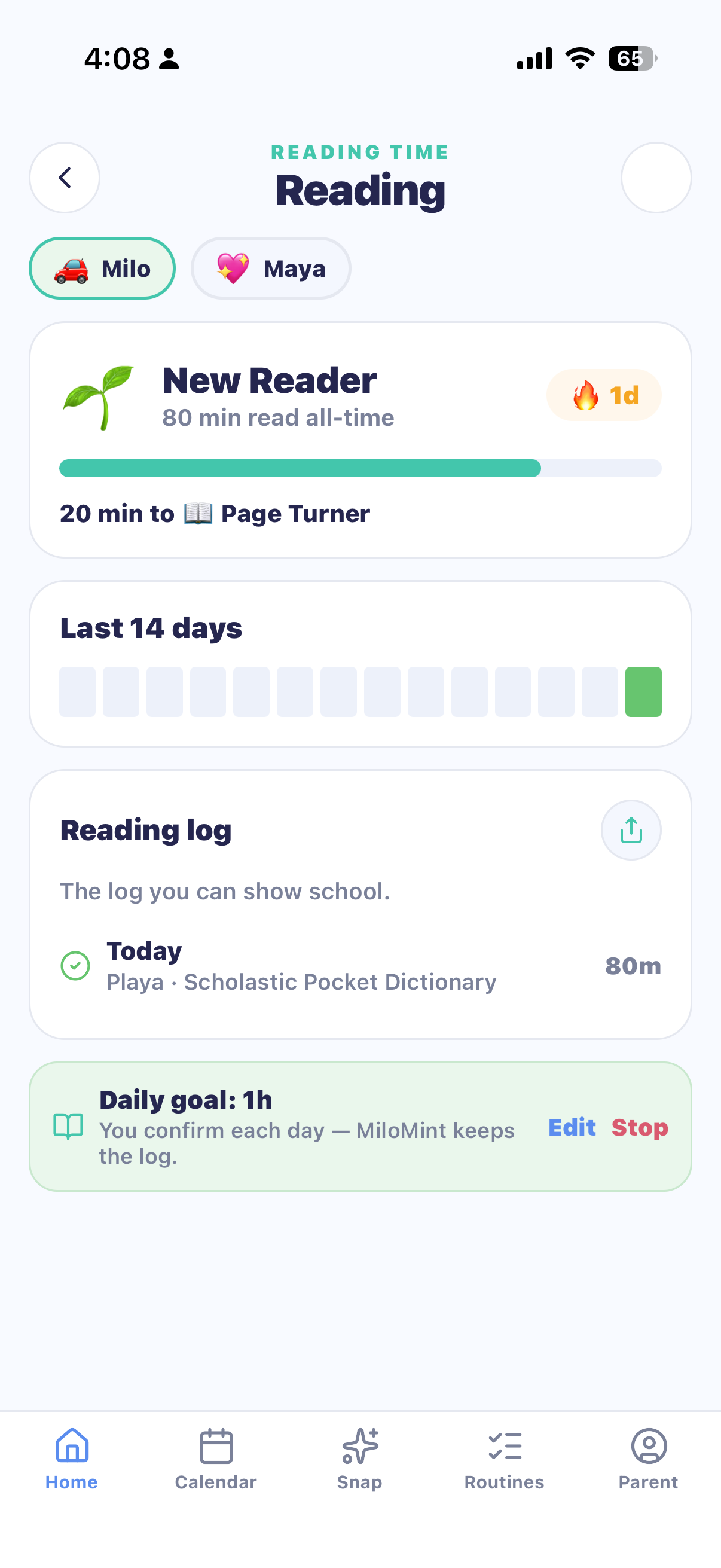
2. Kids log the book — you approve
Each day your child taps “I read today” and names the book — one tap for the same book they're partway through, or a fresh entry for a new one. They can even snap the cover and MiloMint reads the title for them. Nothing counts until you approve, so the points stay honest and the log stays true. Younger kids without a device? You confirm it yourself in one tap.
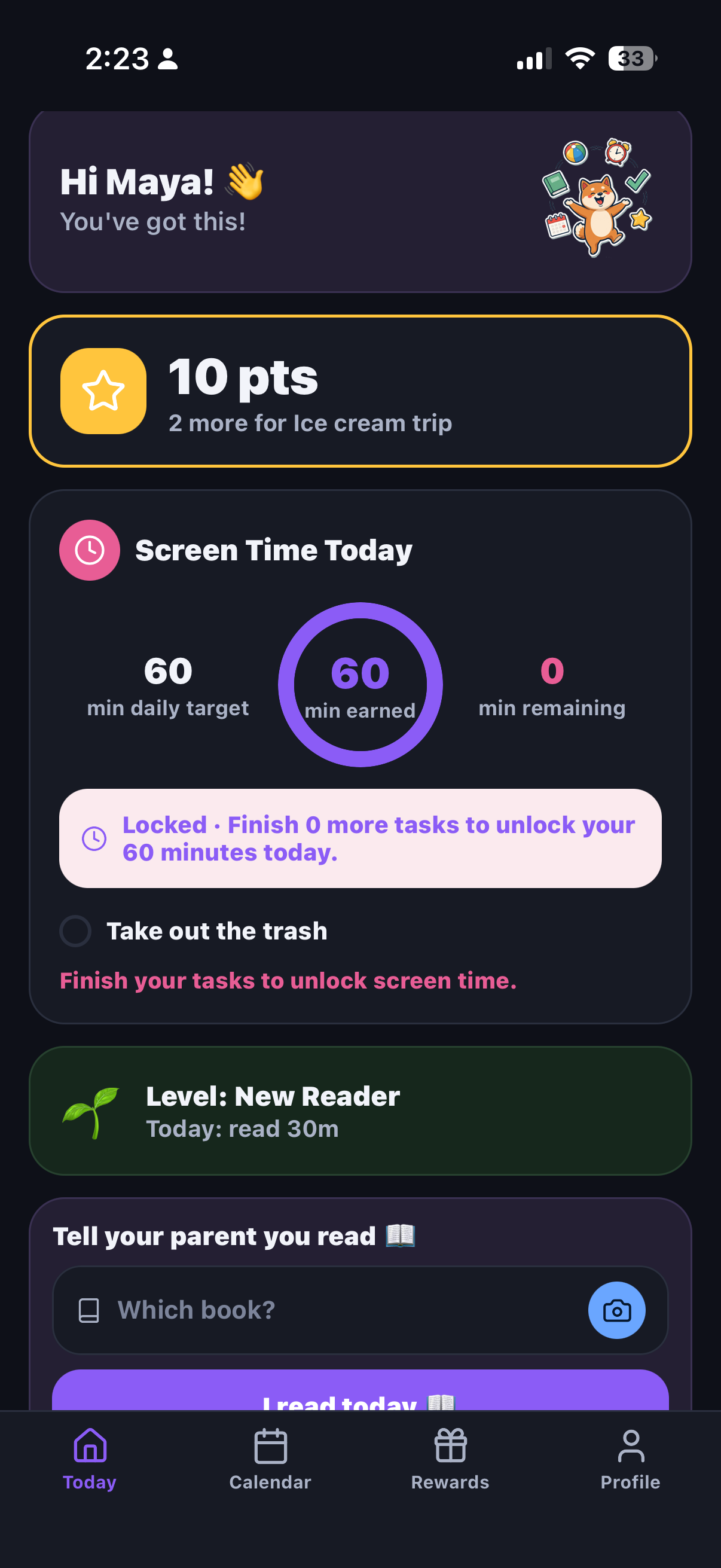
Read more than one book in a day? Both stack onto the same date and both show on the log. Reading keeps growing lifetime minutes and levels — the daily reward just counts once, so there's no way to game it, only to enjoy it.
3. Print the log school asks for
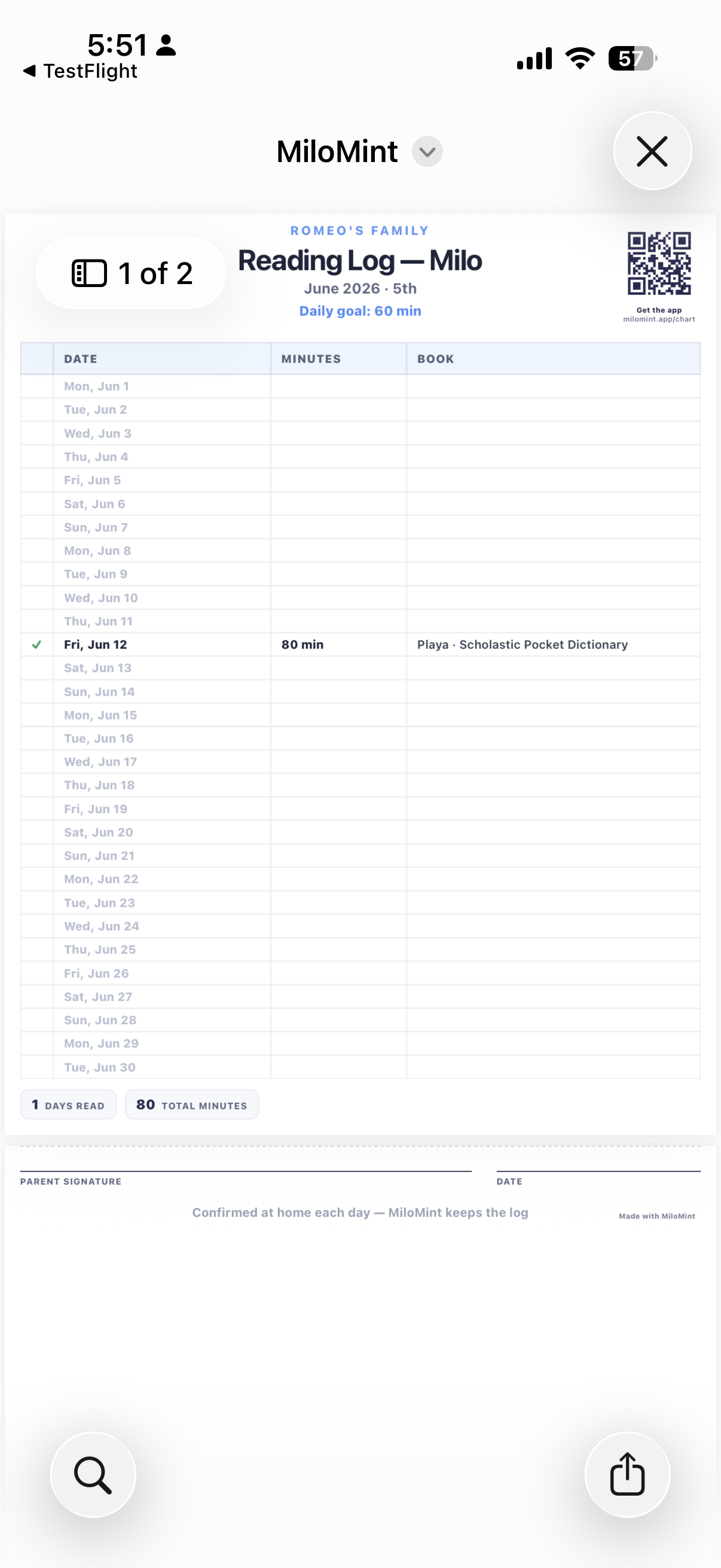
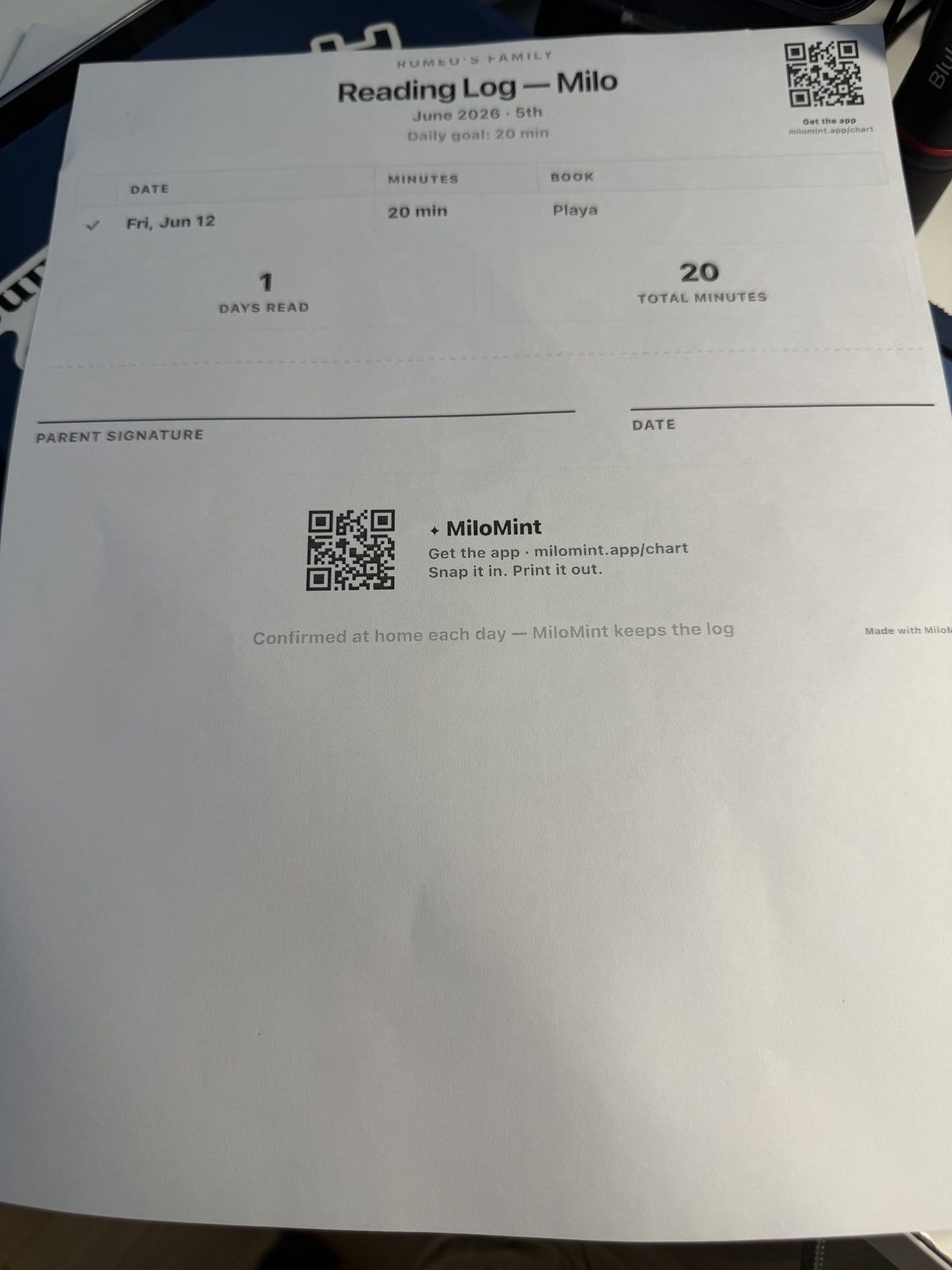
When the teacher wants proof, open Print and choose Reading log. MiloMint lays out the whole month — every confirmed day with the date, minutes, and book — on one clean page with a parent signature line and a MiloMint code in the corner. Print it, or share it as a tidy named PDF (MiloMint - Maya - Reading Log - June 2026.pdf) straight to email.
Why families like it for summer
- It survives the summer. No clipboard to lose — the log lives in the app and rebuilds the moment you print.
- It builds a habit, not a chore. Streaks and levels make a 20-minute reading goal something kids chase, with one free “oops day” a week so a single missed day doesn’t break the run.
- It connects to screen time. In MiloMint, reading is the thing you build up while screen time is the thing you wind down — one calm system, two directions.
- The teacher gets real paper. A signed, dated, one-page log is exactly what most summer-reading programs ask for.
Start your child's summer reading log
Set a daily goal, let them log the book, and print the signed log for school — free to start, no ads.
Get MiloMint free on the App Store →Free family calendar, chores & allowance · No ads, ever · Plus adds Snap & printing for $29.99/yr
New here? See how the whole app works, or how points & allowance fit together.